BOX GAME
Unity · C# · Game Design · Tech Art · 3D · Animation · 2024
01 — VISUAL & CHARACTER DEVELOPMENT
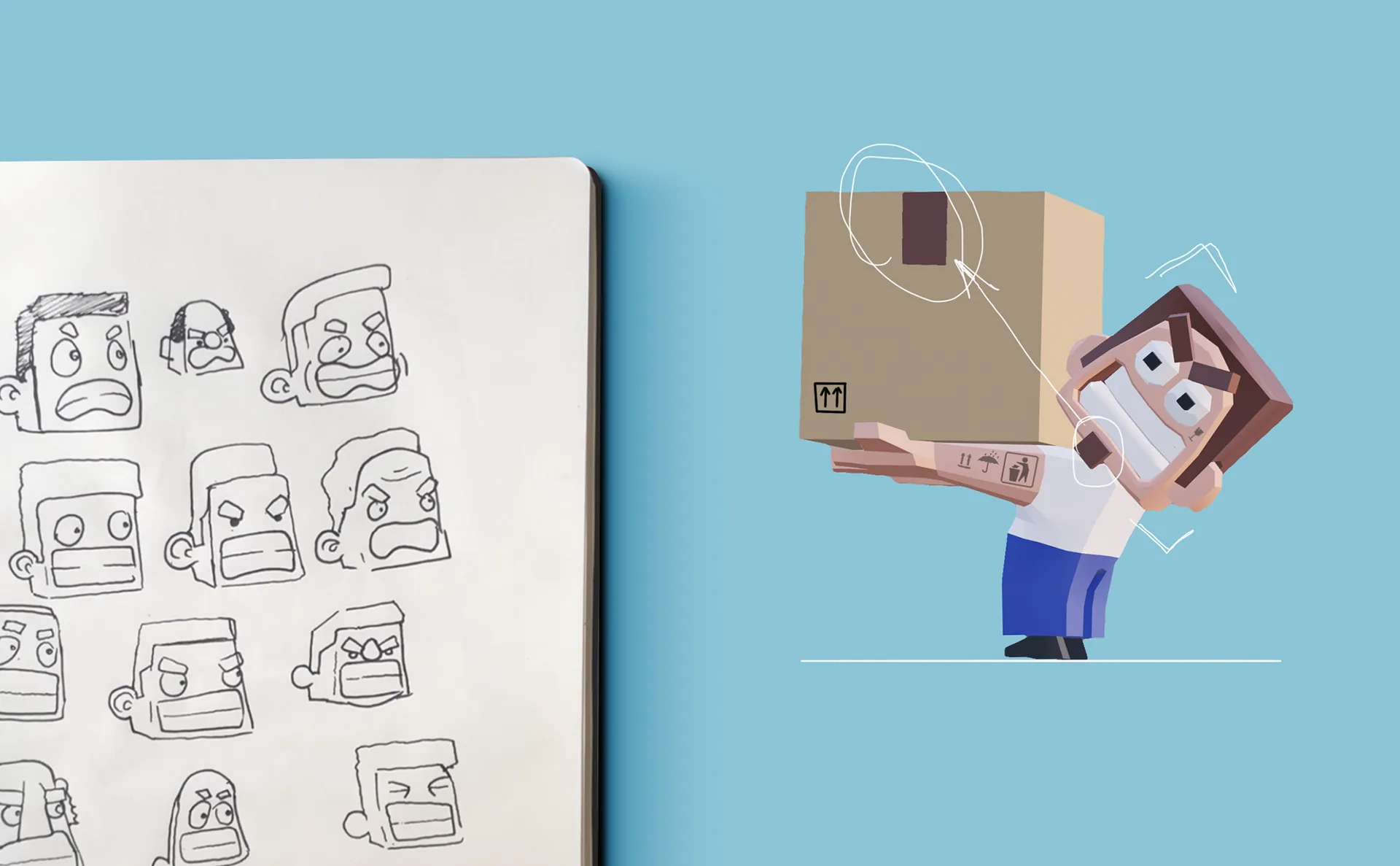
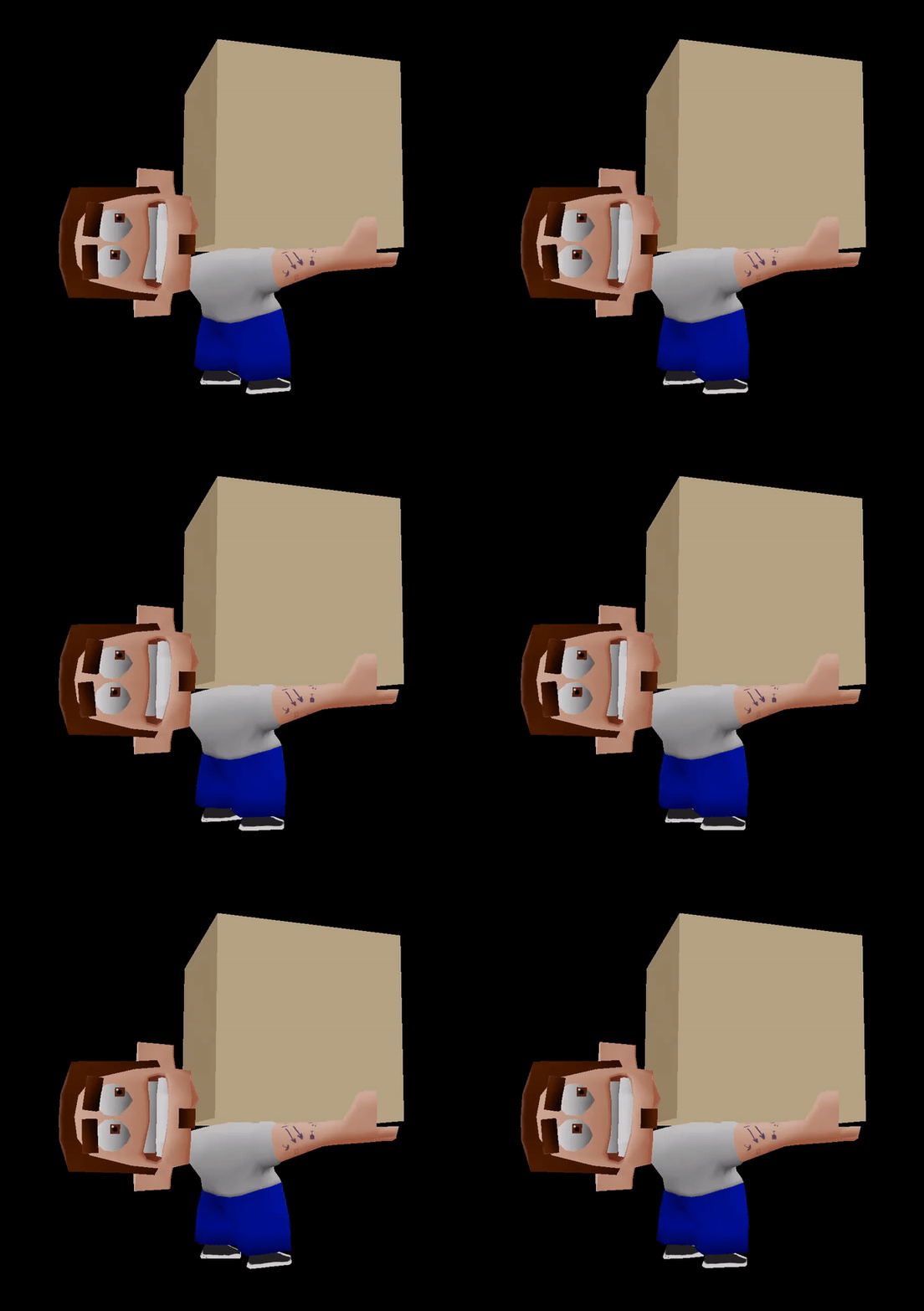
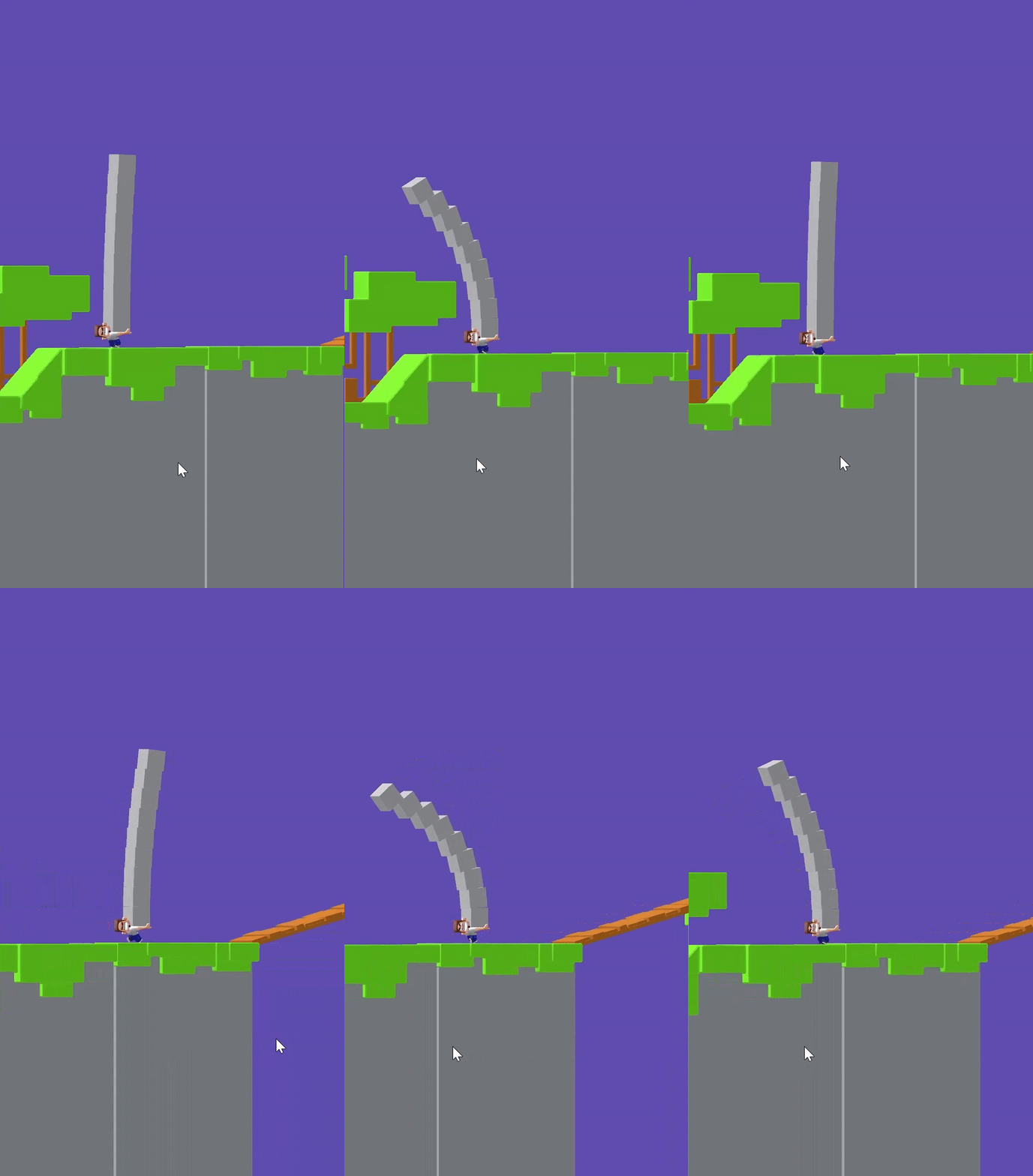
I started the character concept with a pen, a sheet of paper, and simple questions about who this character is. If he carries boxes all day, maybe he should look a little like a box himself. Squared-off features and handling-symbol tattoos made him recognizable from a distance.
02 — NEW CHARACTER VERSION
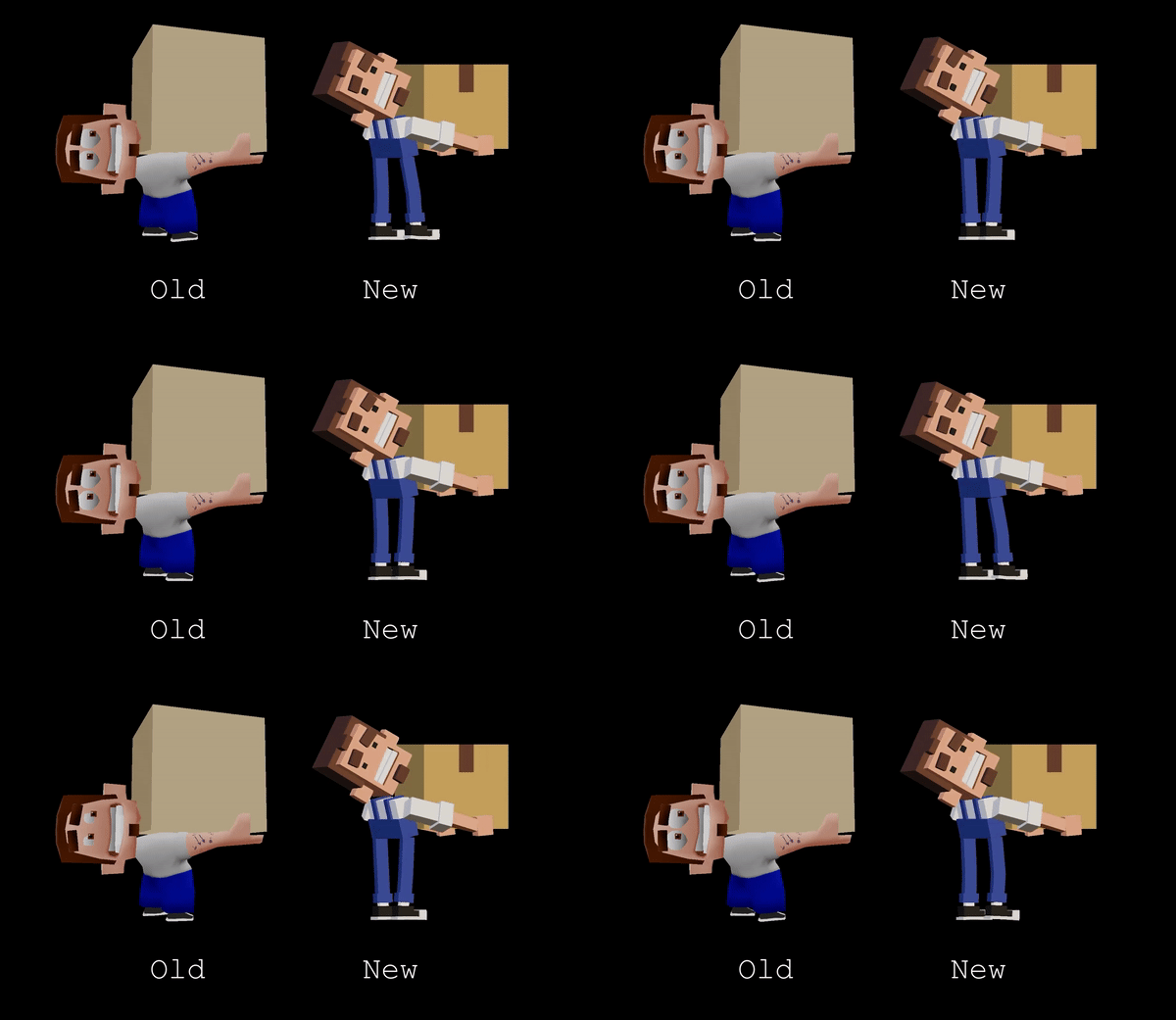
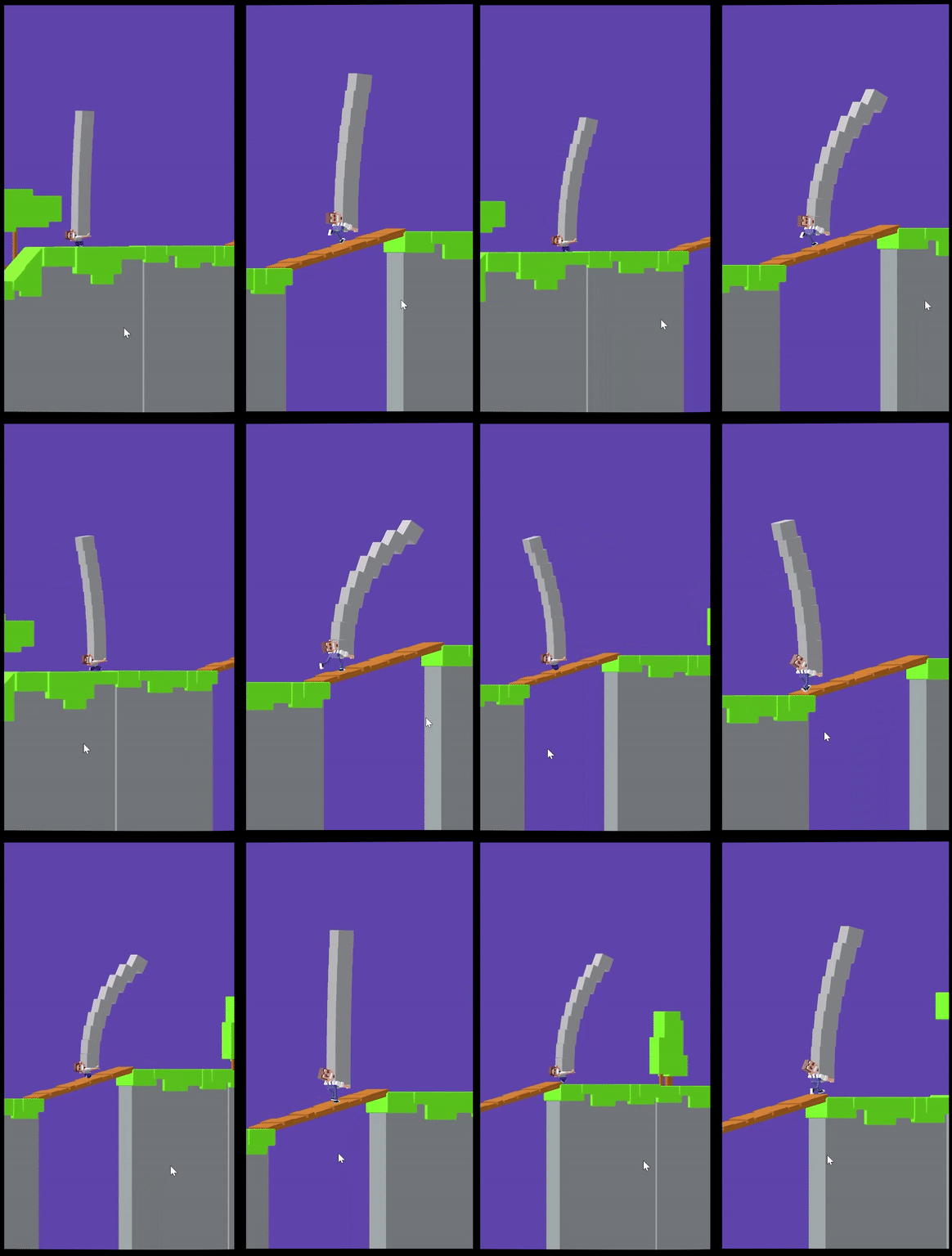
I later tried a different version of the character and moved away from the first casual look. The goal was to make the character, environment, and silhouette work better together on a small screen.
03 — ENVIRONMENT
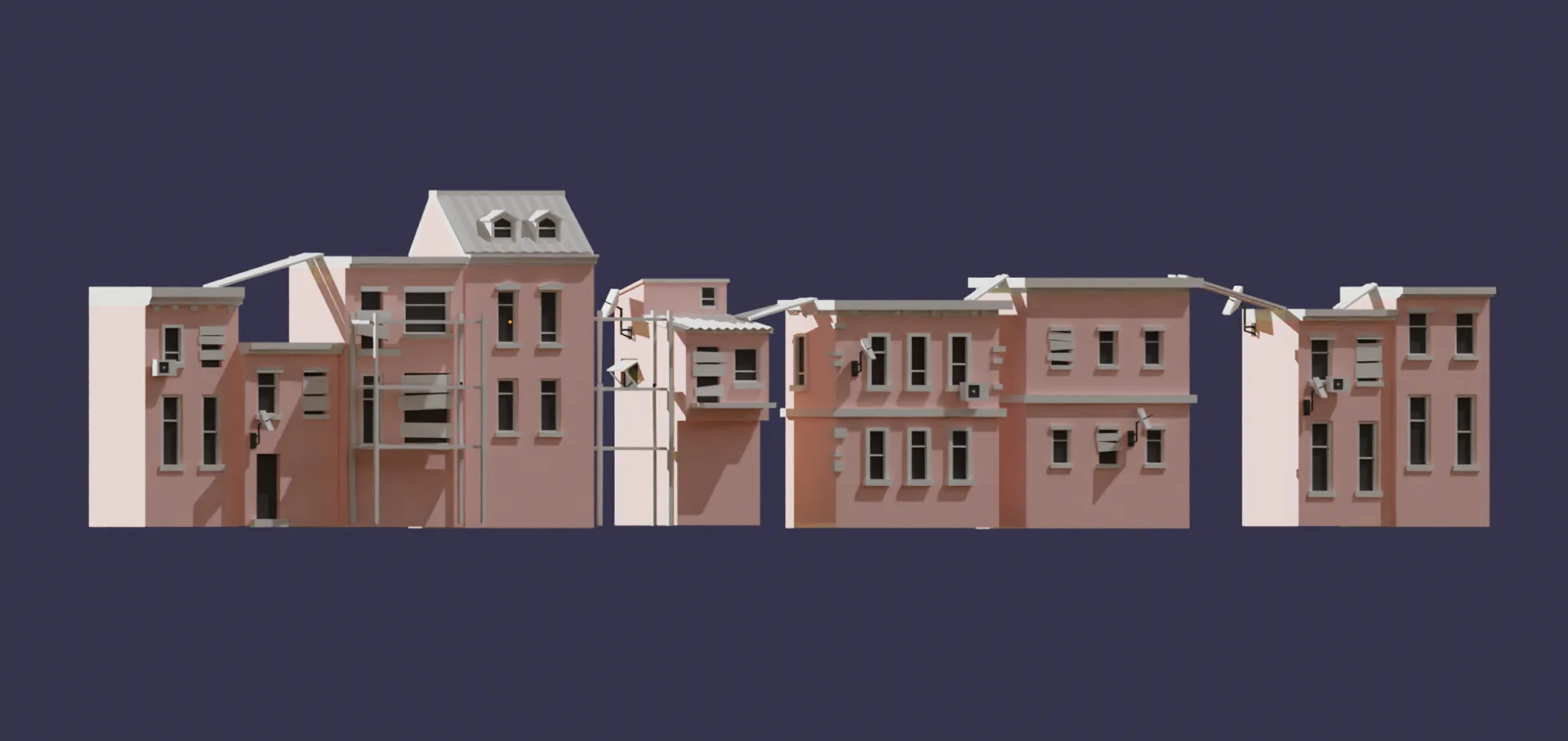
I replaced simple placeholder blocks with rooftop sections that could still connect into a long track in different orders. The challenge was to add detail without making repeated sections too obvious.
04 — GAME LOOK
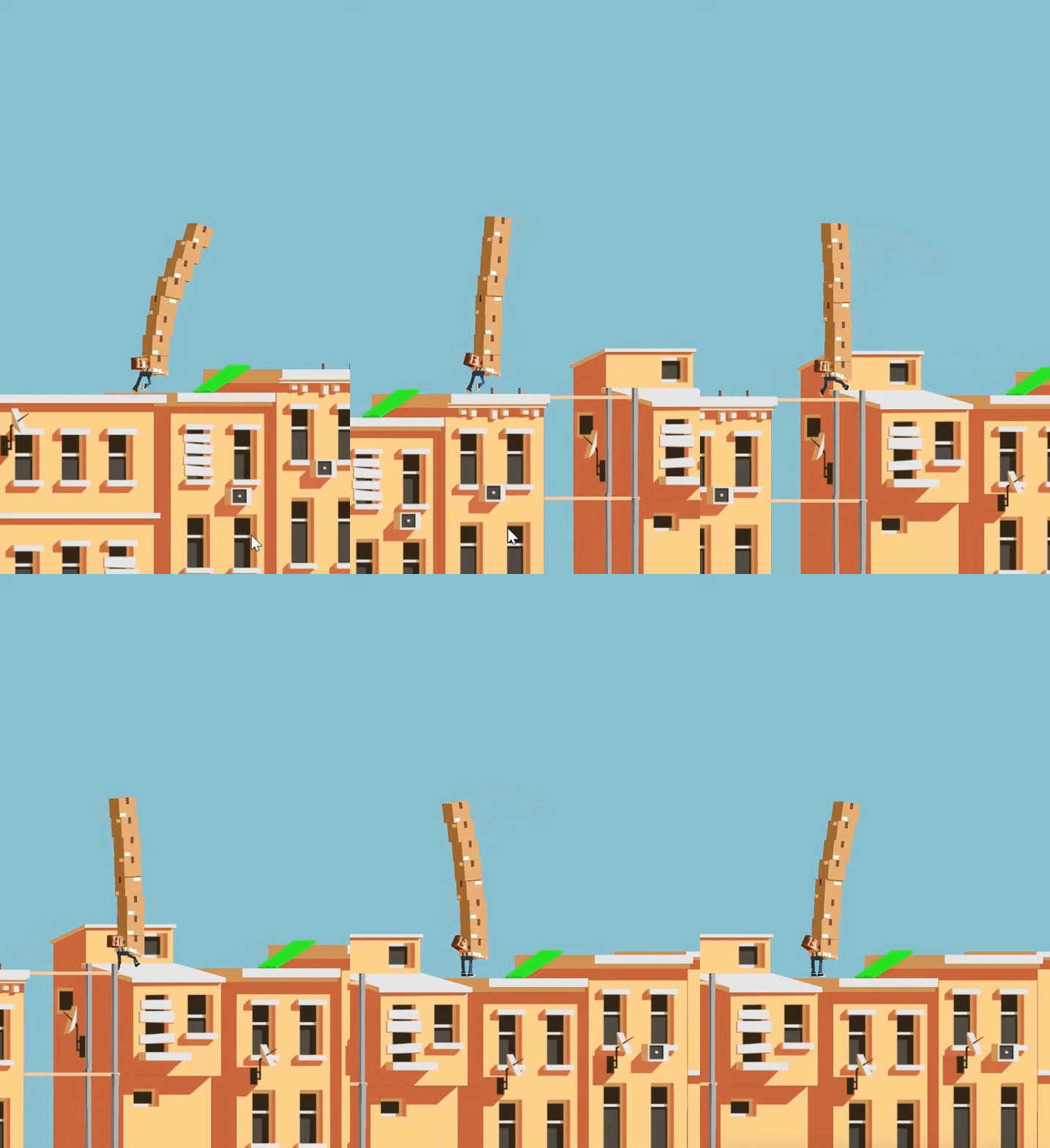
This stage brought the prototype closer to the final mood I had in mind: a readable balance game with a stronger character and a clearer world around him.
05 — OPTIMIZATION
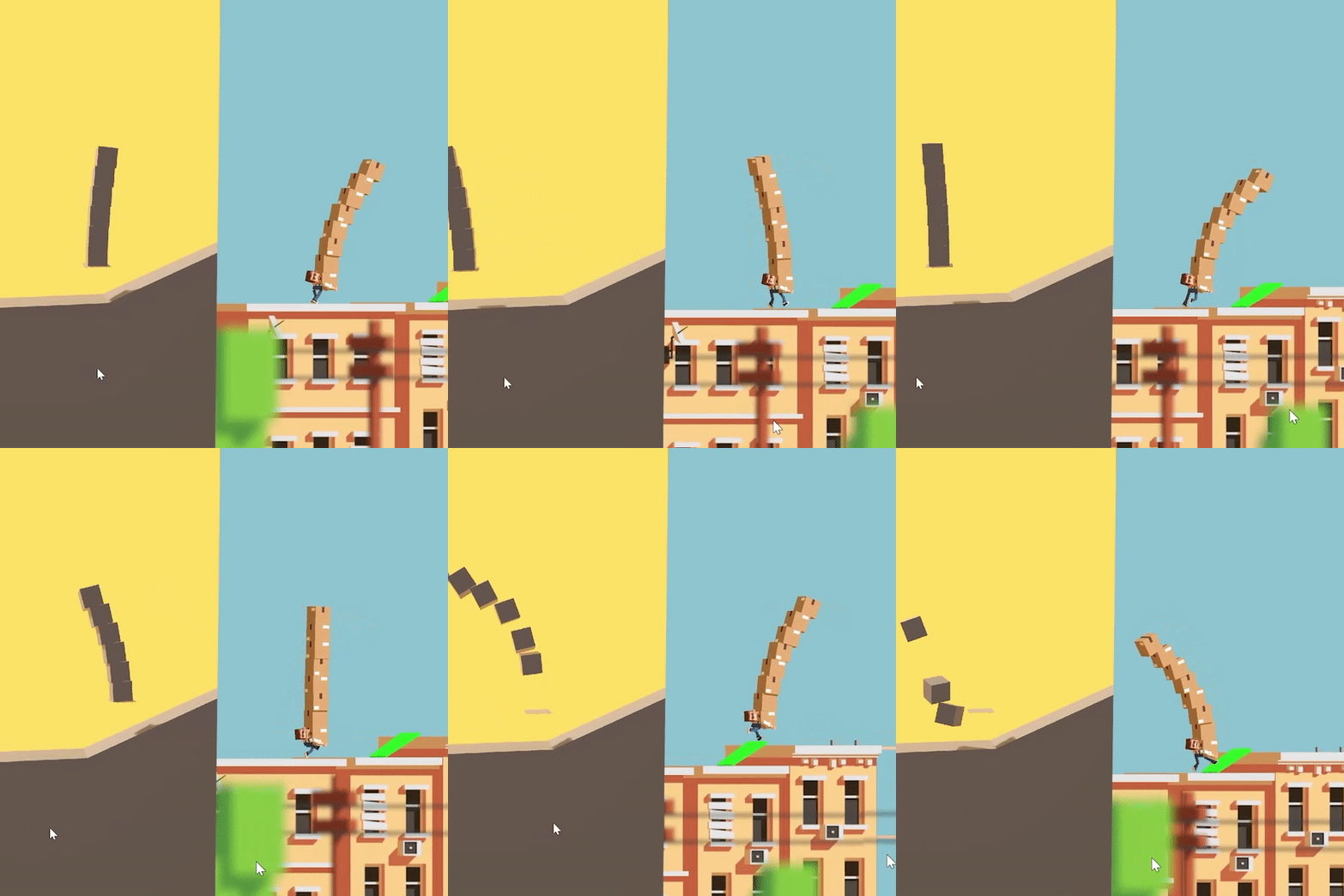
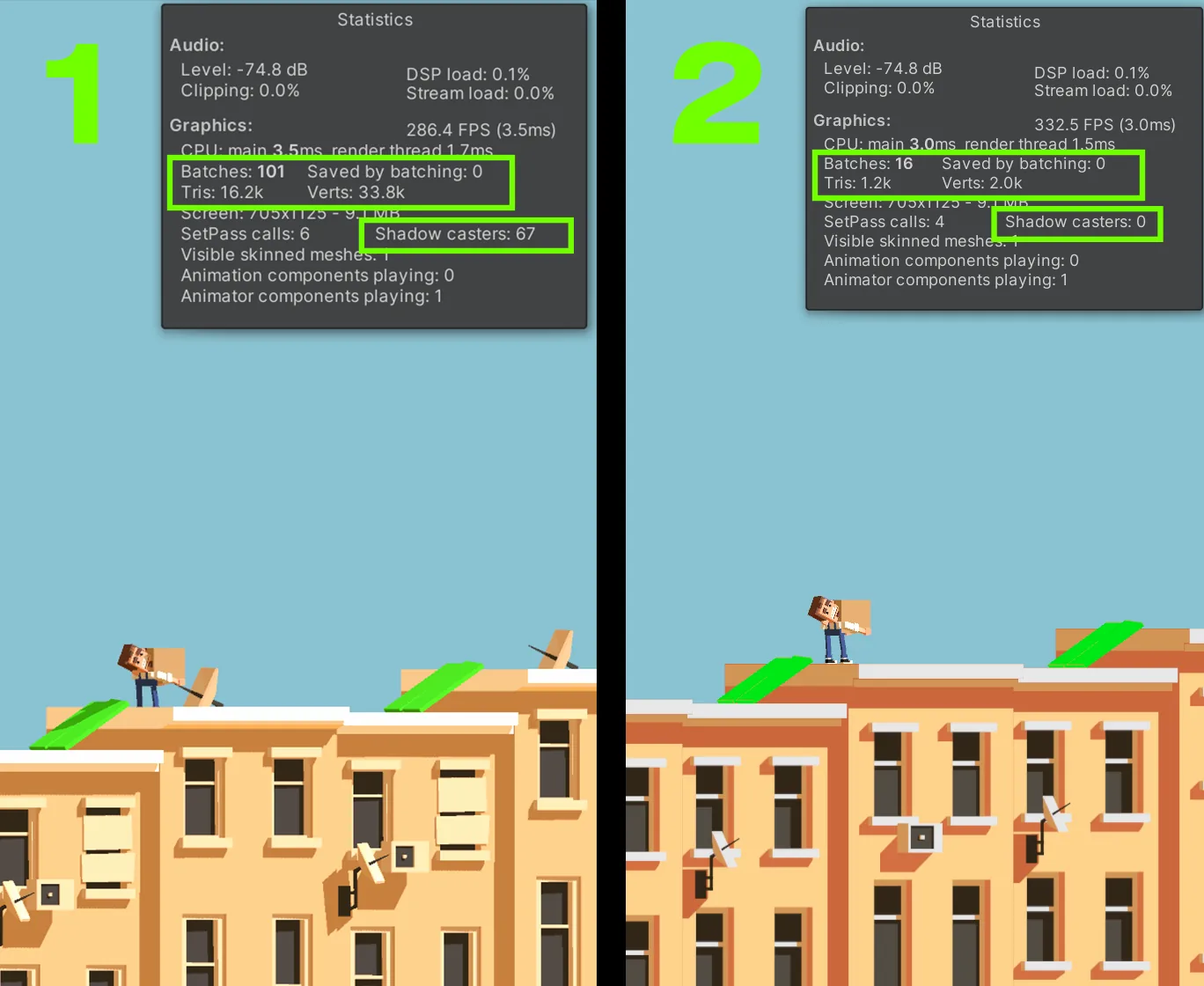
I used the orthographic camera setup almost like camera mapping. This let me keep the scene visually rich while making it much cheaper for Unity to render.
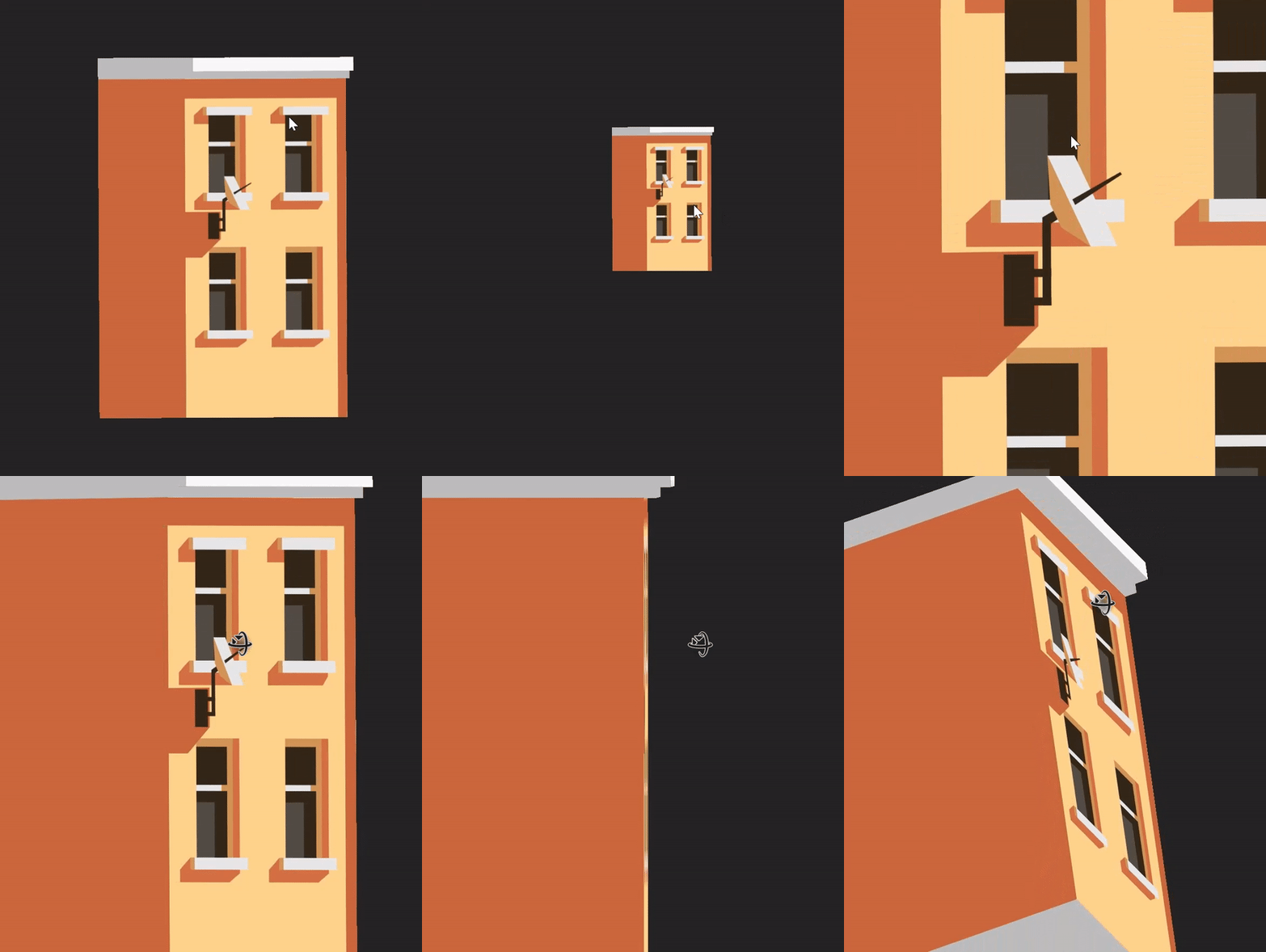
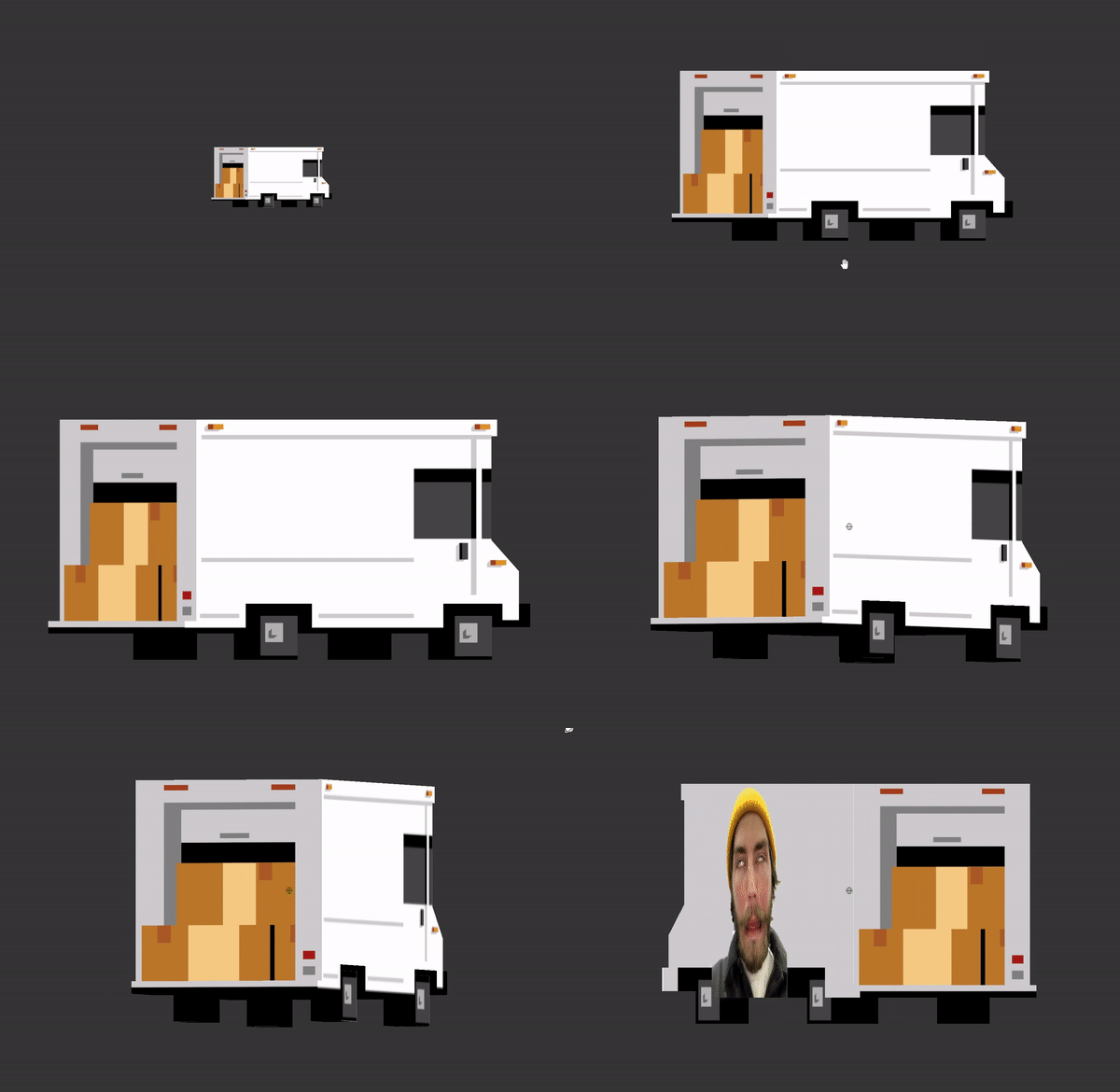
With this method, the scene went from 101 to 16 batches, and the models dropped from 16,000 triangles to about 1,200.
06 — PARALLAX
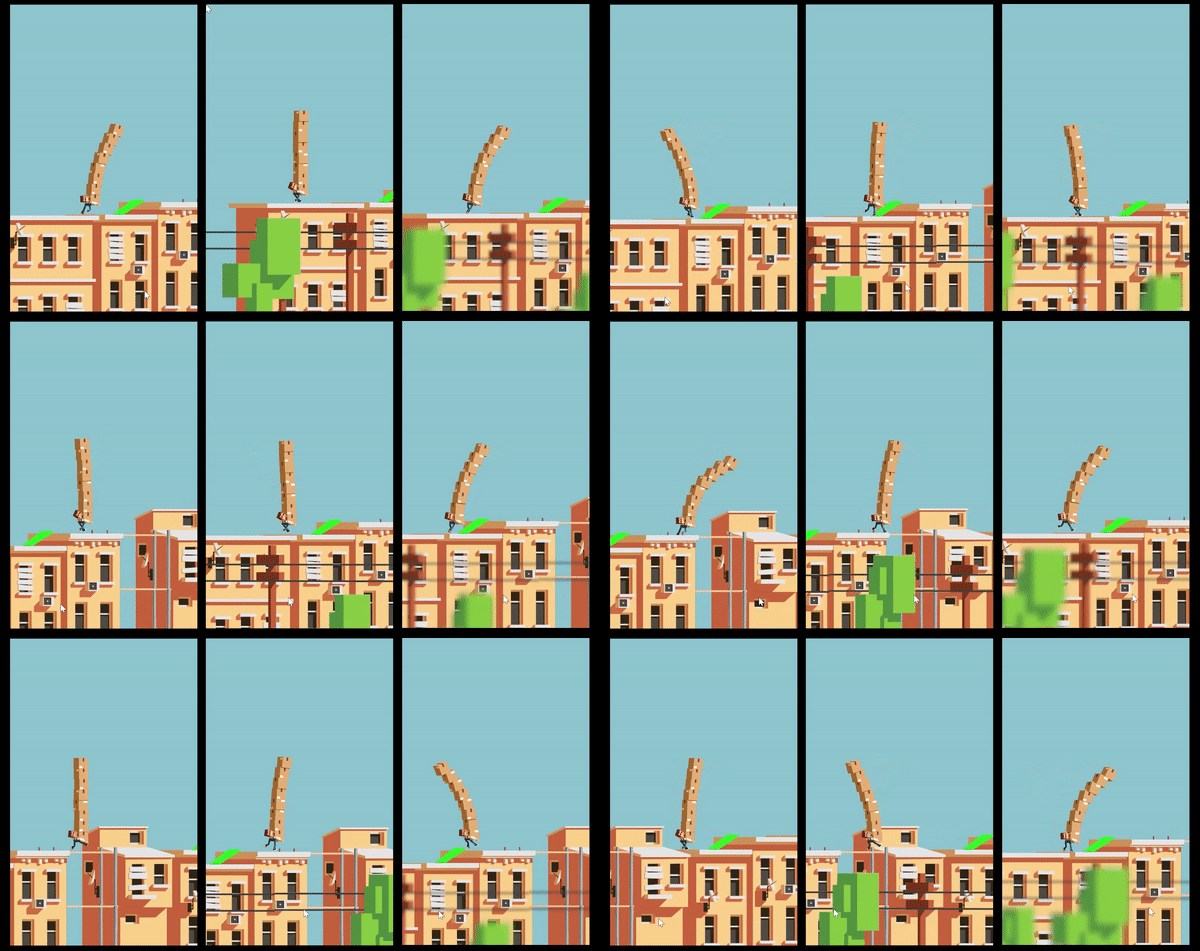
I tested parallax to give the flat composition more depth during gameplay. I made two versions and preferred the one on the right: softer, cleaner, and no, it's not Depth of Field.
07 — INTERFACE
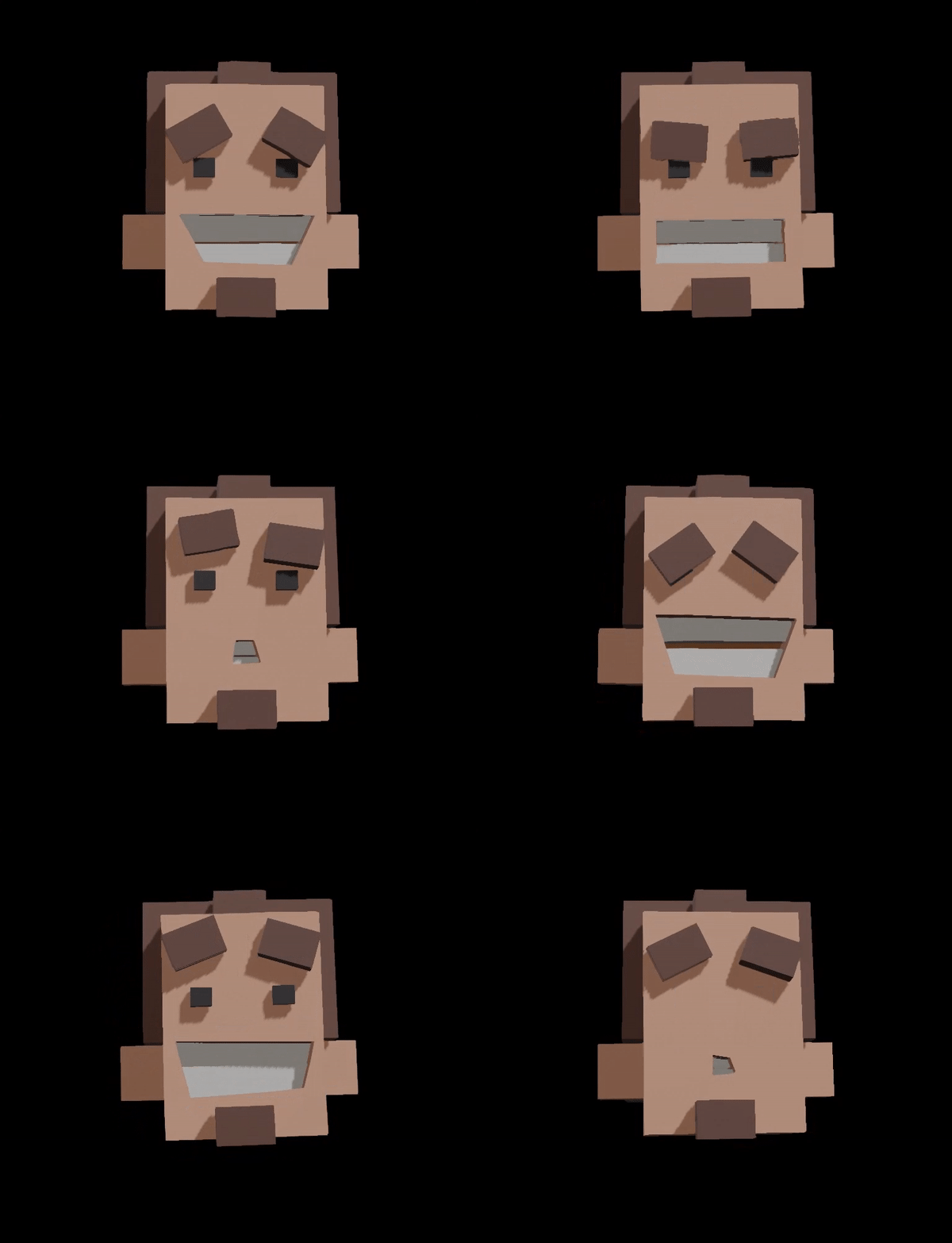
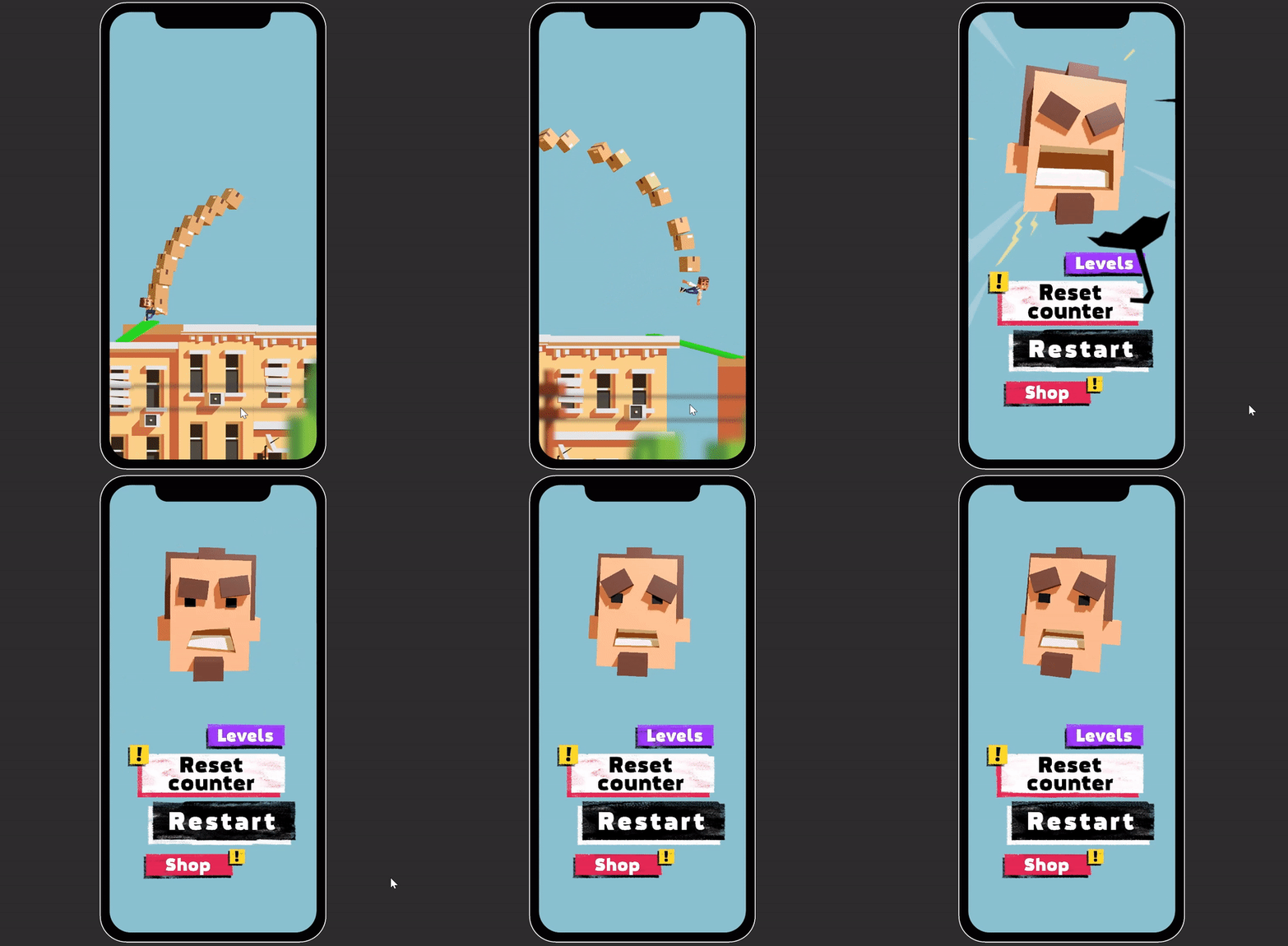
I wanted the interface to carry more of the character's personality. During gameplay, the character is small on screen, so the UI became another place where he could feel alive.
I projected the character onto the canvas and tested animated UI elements for the menu and skins. The goal was to make the interface feel custom, not like a generic mobile UI pack.